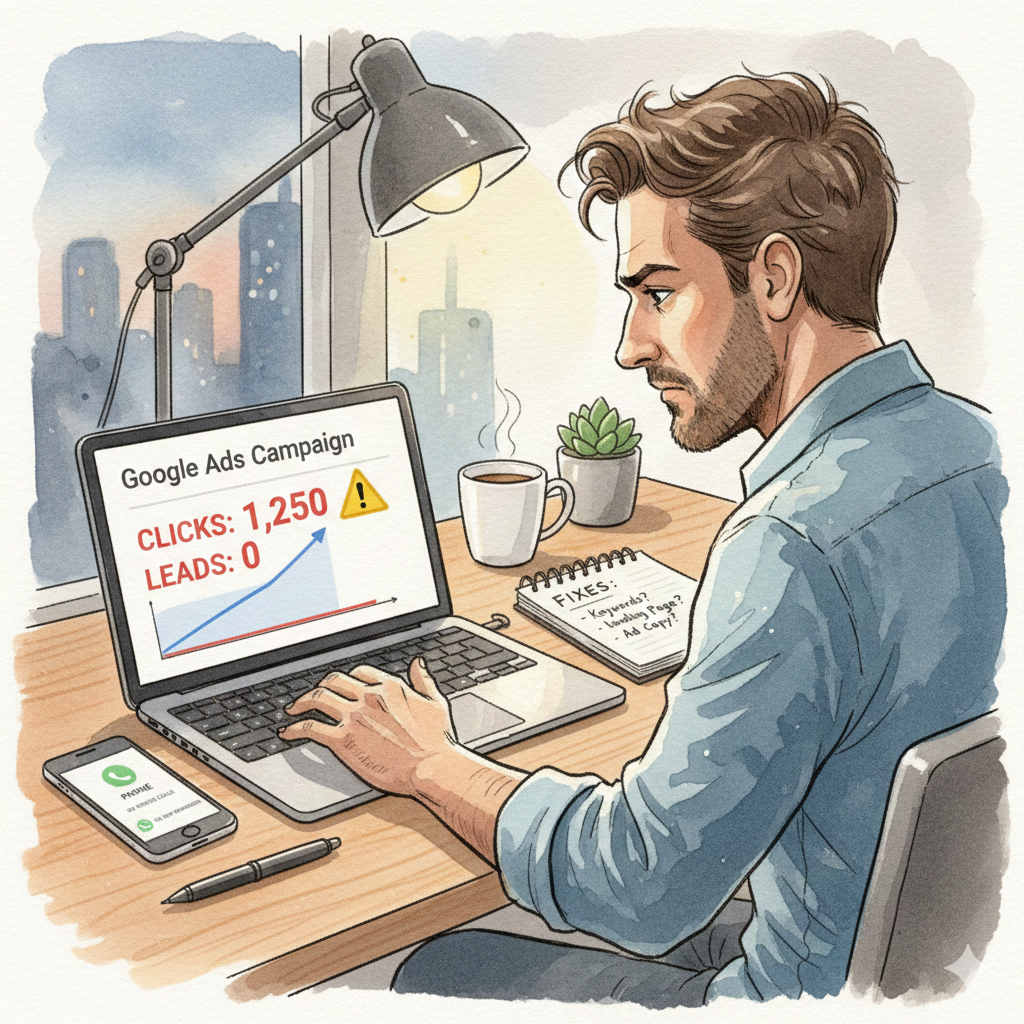
Google Ads can generate leads fast. That’s why so many businesses invest in it.
But a common frustration is this:
Clicks are coming.
Money is being spent.
Impressions look fine.
But leads are not happening.
If your Google Ads not getting leads, the issue is usually not “Google Ads doesn’t work”. The issue is one or more mistakes in targeting, tracking, landing pages, or the offer.
In 2026, Google Ads performance depends on the full system, not just the campaign setup.
This guide explains the real reasons behind low lead generation and how to fix them in a clean, practical way.
First, Understand the Difference Between Clicks and Leads
Clicks only mean people visited your page.
Leads happen only when:
- the right user clicks
- the message matches their intent
- the page loads fast
- the offer feels trustworthy
- the CTA is clear
- tracking works correctly
So when your Google Ads not getting leads, you must check the entire journey, not just the ad.
1) You Are Targeting the Wrong Keywords
Many businesses target broad keywords like:
- “digital marketing”
- “interior design”
- “clinic”
- “software company”
Broad keywords bring curiosity traffic, not buyers.
Fix:
Use high-intent keywords like:
- “digital marketing agency near me”
- “interior designer for 2bhk cost”
- “best dentist for braces near me”
- “Google Ads agency for real estate”
High intent keywords cost more, but convert better.
2) Your Ads Are Showing in the Wrong Location
A common reason Google Ads not getting leads is location targeting.
Businesses often run ads in:
- all India
- multiple cities
- wrong service areas
This wastes spend on irrelevant clicks.
Fix:
Target only:
- your city or service area
- nearby locations you can genuinely serve
- radius targeting if needed
Then check the “Location report” weekly.
3) Your Ad Copy Does Not Match User Intent
Users click ads that feel relevant to their problem.
If your ad says:
“Best services, best quality, best company”
it does not answer intent.
Fix:
Write ads that match what people want:
- pricing clarity
- quick availability
- trust and proof
- clear service
Example:
“Home Painting in Vijayawada | Quote on WhatsApp Today”
Specific beats generic.
4) Your Landing Page Is Not Built for Conversions
This is one of the biggest reasons Google Ads not getting leads.
Many businesses send ad traffic to:
- home page
- service list page
- slow pages with no CTA
Fix:
Create a dedicated landing page with:
- clear headline
- benefits + proof
- reviews
- FAQs
- Call and WhatsApp CTA
- short form
A landing page is not a website page. It is a conversion page.
5) Your Website Loads Too Slowly
Even if ads are perfect, slow pages kill leads.
Check speed and improve it.
This is critical for mobile.
Fix quickly:
- compress images
- reduce heavy sliders
- remove extra scripts
- use caching
6) Tracking Is Broken (So You Think Leads Are Not Happening)
Sometimes leads are coming, but tracking is not recorded.
This creates wrong decisions.
Fix:
Track properly:
- form submissions
- call button clicks
- WhatsApp clicks
- thank you page views
If you are not sure, the Google Ads Help Center explains tracking and conversion basics clearly.
7) Your Campaign Is Mixed With Too Many Goals
One campaign should have one goal.
Businesses often mix:
- lead form ads
- traffic campaigns
- brand awareness
- remarketing
all in one mess.
Fix:
Keep structure simple:
- Search campaign (leads)
- Remarketing (support)
- Call campaign (optional)
Simplicity improves optimization.
8) No Negative Keywords (Wasted Spend)
This is a silent budget killer.
If you don’t add negative keywords, your ads will show for irrelevant searches.
Example negatives for agencies:
- jobs
- salary
- course
- training
- internship
- free
Fix:
Add negatives weekly based on search terms report.
9) Your Budget Is Too Low for the Market
Some industries need higher CPC.
If you spend ₹200/day in a competitive niche, you might not get enough data to optimize.
Fix:
Start with a realistic budget to collect learning:
- ₹500 to ₹1500/day for testing (depends on niche)
Then scale what works.
10) You Are Using the Wrong Campaign Type
Many businesses run:
- Display ads (cheap clicks, low intent)
- Broad Performance Max without structure
Then they complain leads aren’t coming.
Fix:
For lead generation, start with:
✅ Search campaign (high intent)
Use Display only for remarketing.
11) Your Offer Is Weak or Unclear
People don’t enquire because they don’t see value.
If your offer is:
“Contact us”
it is too weak.
Fix:
Use a simple strong offer:
- same day quote
- free consultation
- quick audit
- pricing on WhatsApp
- book a call today
Even small offer improvements increase conversions.
12) Your Business Is Not Trustworthy Online
Users click ads but hesitate.
They check:
- reviews
- website quality
- social proof
- photos
- business details
Fix:
Add trust elements:
- Google reviews screenshots
- client testimonials
- real photos
- clear address and phone
This alone can increase leads without changing the ads.
13) No Follow-Up System (Leads Are Wasted)
Sometimes leads come, but response is slow.
If you reply after 2 hours, you lose the lead.
Fix:
Follow-up rules:
- respond within 5 minutes
- WhatsApp message template ready
- call the lead once if no reply
- track lead status
Your ad performance depends on your sales speed too.
A Simple 7-Day Fix Plan
If your Google Ads not getting leads, follow this:
Day 1: check location targeting and keywords
Day 2: add negative keywords
Day 3: improve ad copy for intent
Day 4: build a proper landing page
Day 5: fix speed and CTA placement
Day 6: verify conversion tracking
Day 7: review lead quality and optimize
This plan fixes most campaigns.
Final Thoughts
If your Google Ads not getting leads, don’t panic and don’t pause everything immediately.
Google Ads works when:
- keywords match intent
- targeting is correct
- landing page converts
- tracking is accurate
- trust signals are strong
- follow-up is fast
Fix the system and results improve.
If you want consistent high-quality leads without wasting budget, working with expert Google Ads services makes campaigns cleaner and performance more predictable.
Want Us to Audit Your Google Ads?
If you feel your spend is going out but results are not coming, a quick audit can show what is wrong and what to fix first.
Explore our Google Ads services or get in touch for a straightforward discussion.